A robot can improve a warehouse task without becoming a permanent asset on the company’s balance sheet. Renting changes how a company pays for automation, tests a new process, and handles repairs.
- Rental spreads payments across the period of use.
- A short contract can suit a pilot or seasonal workload.
- The contract matters as much as the robot’s hardware.
The cost moves from purchase to use
Buying a robot means paying for the machine before it proves its value. The bill may also include installation, software, training, safety work, spare parts, and repairs.
Renting turns some of those costs into a regular payment. The exact package depends on the supplier, but a contract may include the robot, setup, service, software access, and a replacement unit if the machine fails.
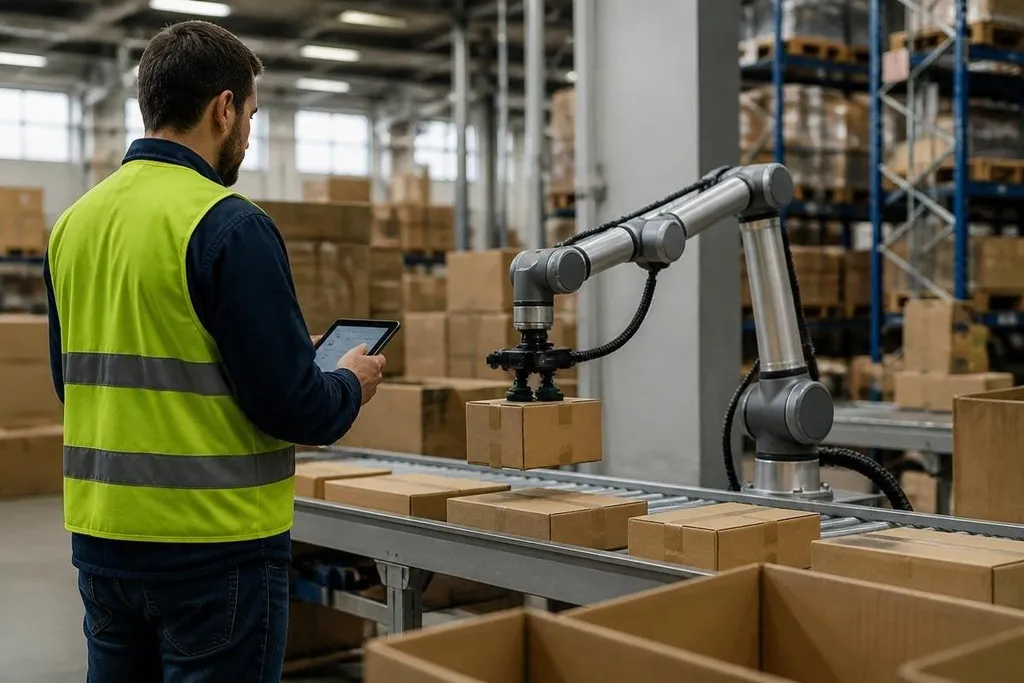
That structure helps a company match spending to output. A warehouse can test a picking robot during a short project without buying equipment that may sit idle when demand drops.
The trade-off is simple: rental can cost more over a long period than buying the same machine outright. A company needs to compare the full contract price with the purchase price, service fees, insurance, and the machine’s expected working life.
Renting lowers the cost of a wrong choice
Robot projects often change after the first live test. A gripper may fail on soft packaging. A mobile robot may need wider aisles than the site has. A camera system may struggle with glare near a loading door.
A rental contract gives the company a way to test those conditions before making a long purchase decision. If the robot cannot complete the task at the required speed, the company has paid for a test rather than owning a poor fit.
That matters most when the task, site, or workload is still changing. It matters less when the process is stable, the robot has a long service life, and the buyer has a team that can support it.
A rental contract can leave the supplier in charge of software updates and repairs. Dated Robot24.com robotics reports can help you compare those terms with the work companies actually run, before the next section looks at what control the supplier keeps.
The supplier still controls part of the system
Rental does not remove the work around a robot. Staff still need training, floor space, network access, safety checks, and a clear process for faults. Someone must also decide who can stop the robot and who can restart it.
The contract can create limits. A supplier may control software updates, repair times, data access, or the robot’s return date. A low monthly payment can look attractive until extra charges appear for site visits, damage, transport, or work outside the agreed task.
Data needs a close check. Cameras, scanners, and fleet software can record information about products, workers, and site activity. The contract should say who stores that data, how long they keep it, and what happens when the rental ends.
Before signing a rental contract
Use this checklist before you compare monthly prices:
- Define the task: record the item type, weight, cycle time, shift length, and human handoffs.
- Set the test period: give the robot enough time to run through busy and quiet work.
- Price the whole term: add setup, software, service calls, insurance, transport, and return costs.
- Set failure rules: agree on repair times, replacement equipment, and the result that ends the trial.
- Check the exit: confirm notice periods, damage rules, data removal, and options to buy or extend.
A rental works best when the company has a clear task but still needs proof from a live site. I'd rent first for a new process or a seasonal workload, then buy only after the robot meets its measured output and support costs are known. The decision should rest on the contract’s total cost and the number of useful hours the robot can run.